
How Many Cricut Machines Are There?
Over the years, Cricut has manufactured and produced several worthy machines for crafters. The legacy machines include the following models:- Original Cricut
- Cricut Expression
- Cricut Imagine
- Cricut Expression 2
- Cricut Mini
- Cricut EasyPress Mini
- Cricut EasyPress
- Cricut EasyPress2
- Cricut Joy
- Cricut Maker
- Cricut Explore One
- Cricut Explore Air
- Cricut Explore Air 2
Cricut Comparison
This Cricut Comparison Guide will only tackle the recent Cricut models.Cricut EasyPress vs Cricut EasyPress 2 vs Cricut EasyPress Mini
Cricut manufactured the EasyPress line specifically for heat pressing. The EasyPress is designed to look and move as irons do. It is very easy to manage when you are doing heat transfer work. The Cricut EasyPress Mini is technically used for small objects such as shoes, hats, and stuffed toys. It is also ideal to use for small areas of shirts like pockets and sleeves.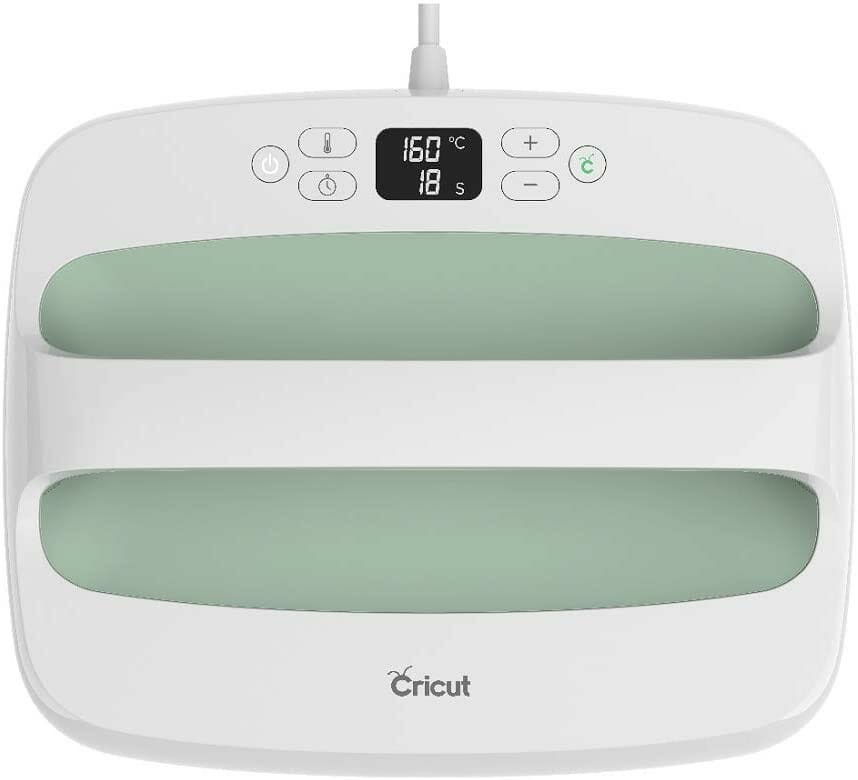 Meanwhile, the Cricut EasyPress and Cricut EasyPress 2 are lightweight and portable heating presses covering larger areas. 9”x9” for EasyPress and 12”x10” for EasyPress 2, respectively. Both models can be used for any based material of varying thickness. They also feature a safe touch interior and auto-shutoff to ensure safe handling and usage when doing craftworks.
You can even choose between having no steam or steam vents in the heat plate. Moreover, both products produce even heating with precise temperature control of up to 360°F for the EasyPress and 400°F for the EasyPress2.
The difference between the EasyPress and EasyPress 2 is that 2 has more added features, making it a better version. It heats 25% faster than EasyPress. It also has a streamlined safety base that maintains the work surface at 60°F cooler.
Furthermore, it remembers the time and temperature settings from your last project. Thus, the guessing game is off the table. What we love the most about EasyPress 2 is the USB port, which updates the device’s firmware as well as the education guide and latest updates about it.
Meanwhile, the Cricut EasyPress and Cricut EasyPress 2 are lightweight and portable heating presses covering larger areas. 9”x9” for EasyPress and 12”x10” for EasyPress 2, respectively. Both models can be used for any based material of varying thickness. They also feature a safe touch interior and auto-shutoff to ensure safe handling and usage when doing craftworks.
You can even choose between having no steam or steam vents in the heat plate. Moreover, both products produce even heating with precise temperature control of up to 360°F for the EasyPress and 400°F for the EasyPress2.
The difference between the EasyPress and EasyPress 2 is that 2 has more added features, making it a better version. It heats 25% faster than EasyPress. It also has a streamlined safety base that maintains the work surface at 60°F cooler.
Furthermore, it remembers the time and temperature settings from your last project. Thus, the guessing game is off the table. What we love the most about EasyPress 2 is the USB port, which updates the device’s firmware as well as the education guide and latest updates about it.
Cricut Joy
Cricut Joy is ideal for quick and daily projects. It is easy to use, even for beginners. Though it does not boast of many features compared to more recent models such as the Maker and the Explore Series, Cricut Joy is still a good machine to help with everyday crafts.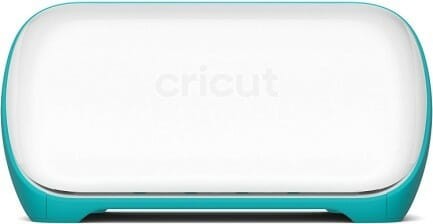 You can use a material with a width of up to 5.5”. It is also compatible with 50+ craft materials for cutting and writing. It also works even without a cutting mat if you use Smart Materials like Smart Vinyl, Smart Label Vinyl, Smart Label Paper, and the Smart Iron-On. Moreover, it comes with a free design app for Android, Windows, Mac, and iOS.
However, the Cricut Joy can only be connected via Bluetooth technology, unlike the Maker and Explore, which have an option for USB.
You can use a material with a width of up to 5.5”. It is also compatible with 50+ craft materials for cutting and writing. It also works even without a cutting mat if you use Smart Materials like Smart Vinyl, Smart Label Vinyl, Smart Label Paper, and the Smart Iron-On. Moreover, it comes with a free design app for Android, Windows, Mac, and iOS.
However, the Cricut Joy can only be connected via Bluetooth technology, unlike the Maker and Explore, which have an option for USB.
Cricut Explore One vs Cricut Explore Air vs Cricut Explore Air 2
The Cricut Explore series is great for people who make a hobby out of crafting. With one of the three Explore series machines, you can already enjoy many DIY projects. It is easy enough to use and master. You don’t need to worry about whether you can do it or not. It works on 100+ materials as wide as 12” materials. Explore is good for cutting, writing, and scoring.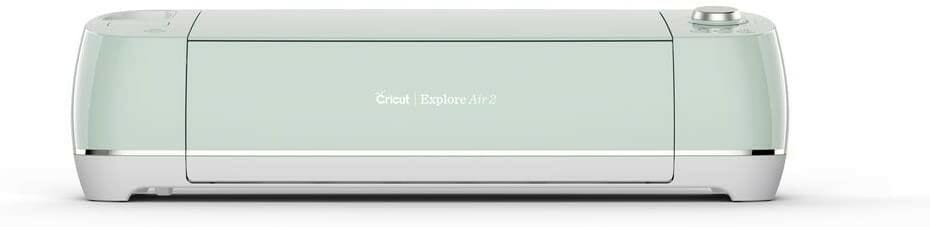 All three Explore devices have the print then cut capability. That is why you can work on the project in one go without the need for another device or doing the cutting manually. Cricut also provides a design app for Android, Windows, Mac, and iOS that you can enjoy for free.
The differences between the three are that the Explore One does not come with a double tool holder, while the other two machines have it. Furthermore, Explore Air 2 can cut and write 2x faster than the other models.
All three Explore devices have the print then cut capability. That is why you can work on the project in one go without the need for another device or doing the cutting manually. Cricut also provides a design app for Android, Windows, Mac, and iOS that you can enjoy for free.
The differences between the three are that the Explore One does not come with a double tool holder, while the other two machines have it. Furthermore, Explore Air 2 can cut and write 2x faster than the other models.
Cricut Maker
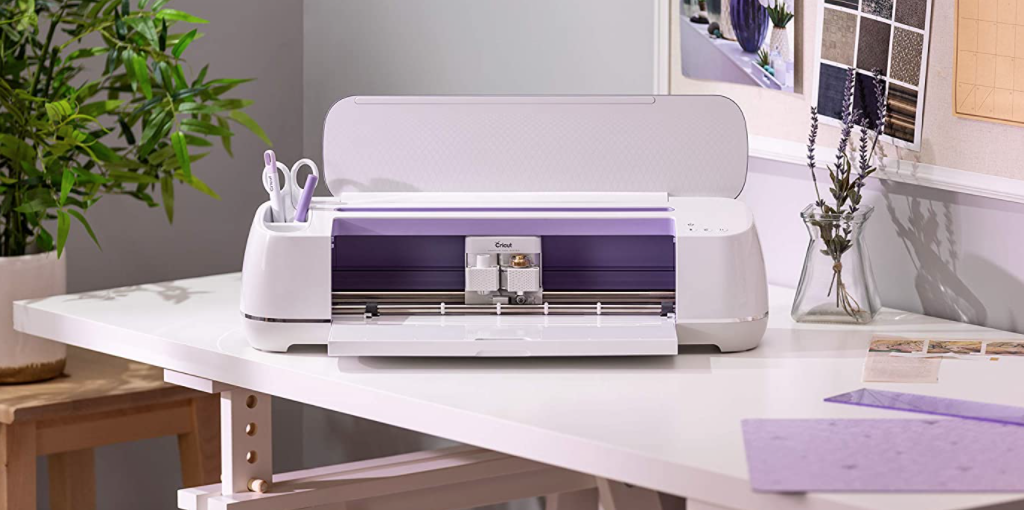
The Cricut Maker is the best cutting machine in this Cricut Comparison guide, all for the right reasons! The Maker is the most recent machine that has all functions of the previous machines and much more. To begin with, the Maker is the machine intended for professional use. It has varied features that allow you to work on many craft projects and ensuring quality output for each piece.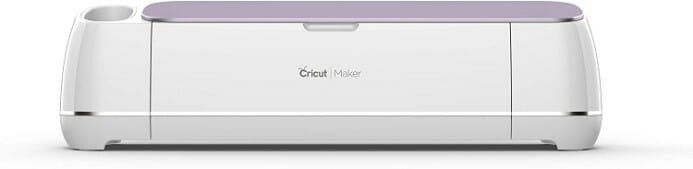 The maximum material width that you can use for the Maker is 12”. You can use the device for as many as 300+ materials instead of the 100+ materials from the Explore Series. Moreover, the Maker allows you to enjoy more than 12 tools and capabilities like cutting, scoring, writing, as well as other professional-level craftworks.
If you are in a craft business, this is also the best machine for you since it is equipped with commercial-grade cutting technology. It can further cut hundreds of materials with 10x more power than the Explore machines.
Through this Cricut Comparison Guide, we hope that you see the differences between each model and choose which suits you best! Happy crafting!
The maximum material width that you can use for the Maker is 12”. You can use the device for as many as 300+ materials instead of the 100+ materials from the Explore Series. Moreover, the Maker allows you to enjoy more than 12 tools and capabilities like cutting, scoring, writing, as well as other professional-level craftworks.
If you are in a craft business, this is also the best machine for you since it is equipped with commercial-grade cutting technology. It can further cut hundreds of materials with 10x more power than the Explore machines.
Through this Cricut Comparison Guide, we hope that you see the differences between each model and choose which suits you best! Happy crafting!