
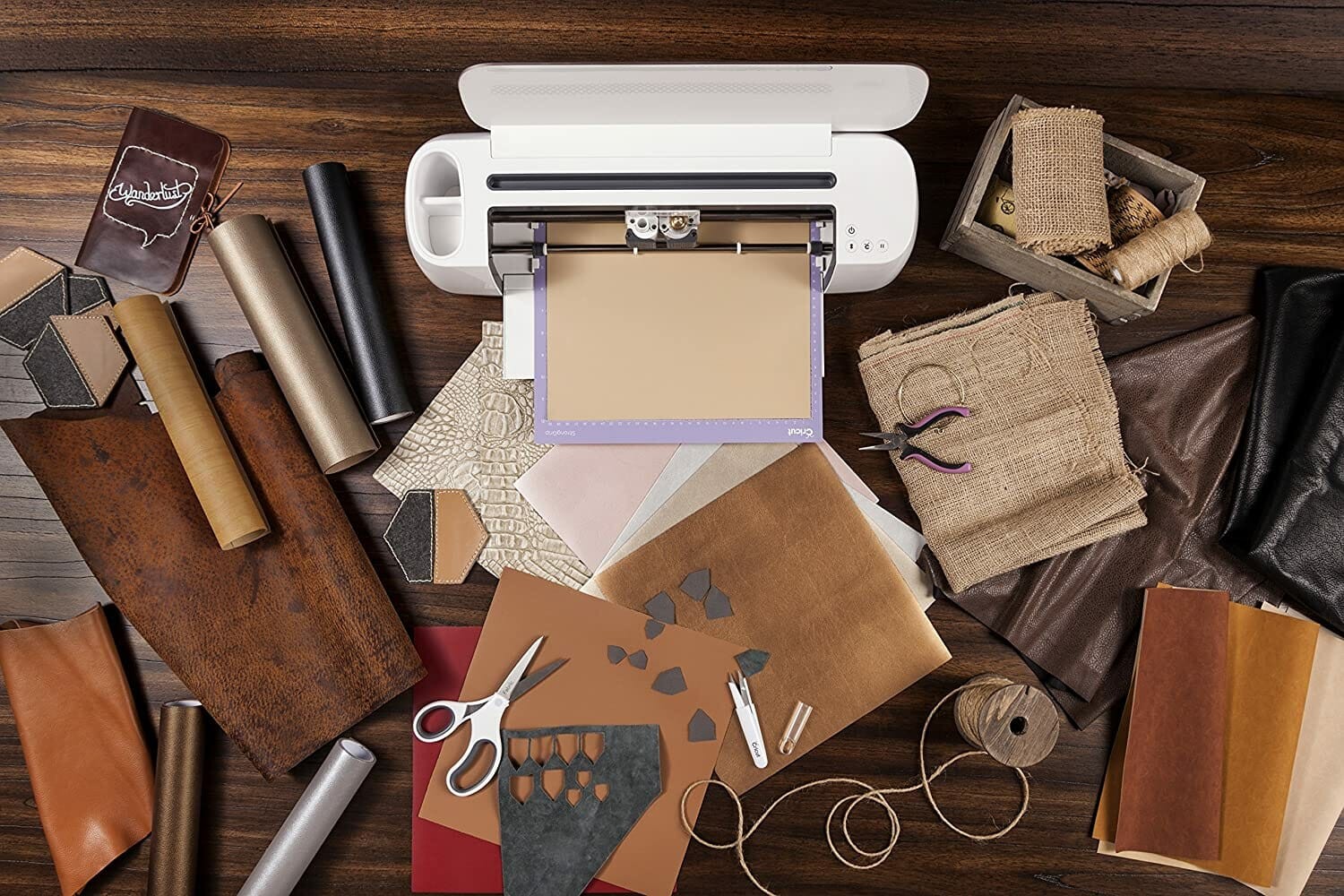
A Cricut machine can cut through a wide variety of different materials for craft projects, such as cardstock, vinyl, and paper. There are even Cricut machines that can cut fabric, leather, thin pieces of wood, and more.
Cricut machines have become more popular because they make doing DIY projects and crafts easier and less time-consuming. But if you’re new to a Cricut, you might be wondering how does a Cricut work? This article is going to answer that question and help you learn what you can do with your Cricut machine.
How Does a Cricut Work?
You’re able to connect your Cricut machine wirelessly to your computer so you can easily download or create designs on your computer, then sending those designs to your Cricut machine to be cut. Cricut even has a software named Design Space that lets you import and create designs to be cut with the Cricut machine.
Your Cricut machine houses a small blade (or scoring tool, or pen, or rotary cutter) inside. Once your design is ready to be cut out in Design Space, and you’ve attached your desired material onto a Cricut cutting mat, you simply send over your design from the computer to the Cricut machine, and then load the material into the machine. Then all you have to do is press a button, and your project will start cutting.
What Do I Need to Get Started?
When you buy a Cricut machine, it comes almost ready to use right out of the box. All you have to do is plug the machine in, open up Cricut’s Design Space with an internet connection on your iPad or computer, register a Cricut account, and link your new machine.
Plus, the machine comes with a few supplies to allow you to create a project right from the box. You’ll be asked to create this Make it Now project after linking your machine.
Are Cricut Machines Hard to Operate?
All Cricut cutting machines have a thorough manual that comes in the box, and you can find a ton of Cricut related information online, making them fairly easy to use. The machine and Cricut’s Design Space have been designed to be user friendly, so you don’t need to have a bunch of graphic design experience to use them (though, having some knowledge will aid you in creating your own designs).
Plus, there’s a library of designs and images that you can use through Cricut’s Design Space that are incredibly easy to import as a new project. Some you have to purchase at a low cost, and some are free.
Are Cricut Machines Worth the Money?
If you love crafting and creating projects with vinyl and paper, then a Cricut machine is a great investment. It makes the cuts on your projects professional and crisp, and once you feel comfortable using the machine, your crafts will come together quicker.
There are several different ways that you can make money using your Cricut machine; for instance, you could sell custom decals, mugs, shirts, and more at craft fairs and online.
Which Cricut Machine Should I Purchase?
There are three different Cricut machines sold today: Circuit Joy, Cricut Explore Air 2, and Cricut Maker. Your choice of machine is dependent on what kind of projects you intend to create with your Cricut – remember, all Cricut machines come with Design Space software.
Cricut Joy
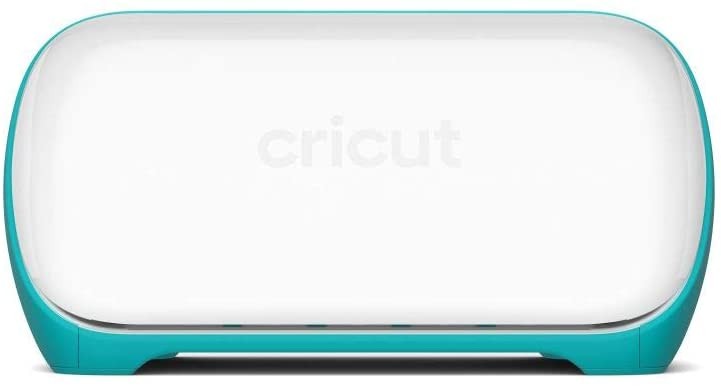
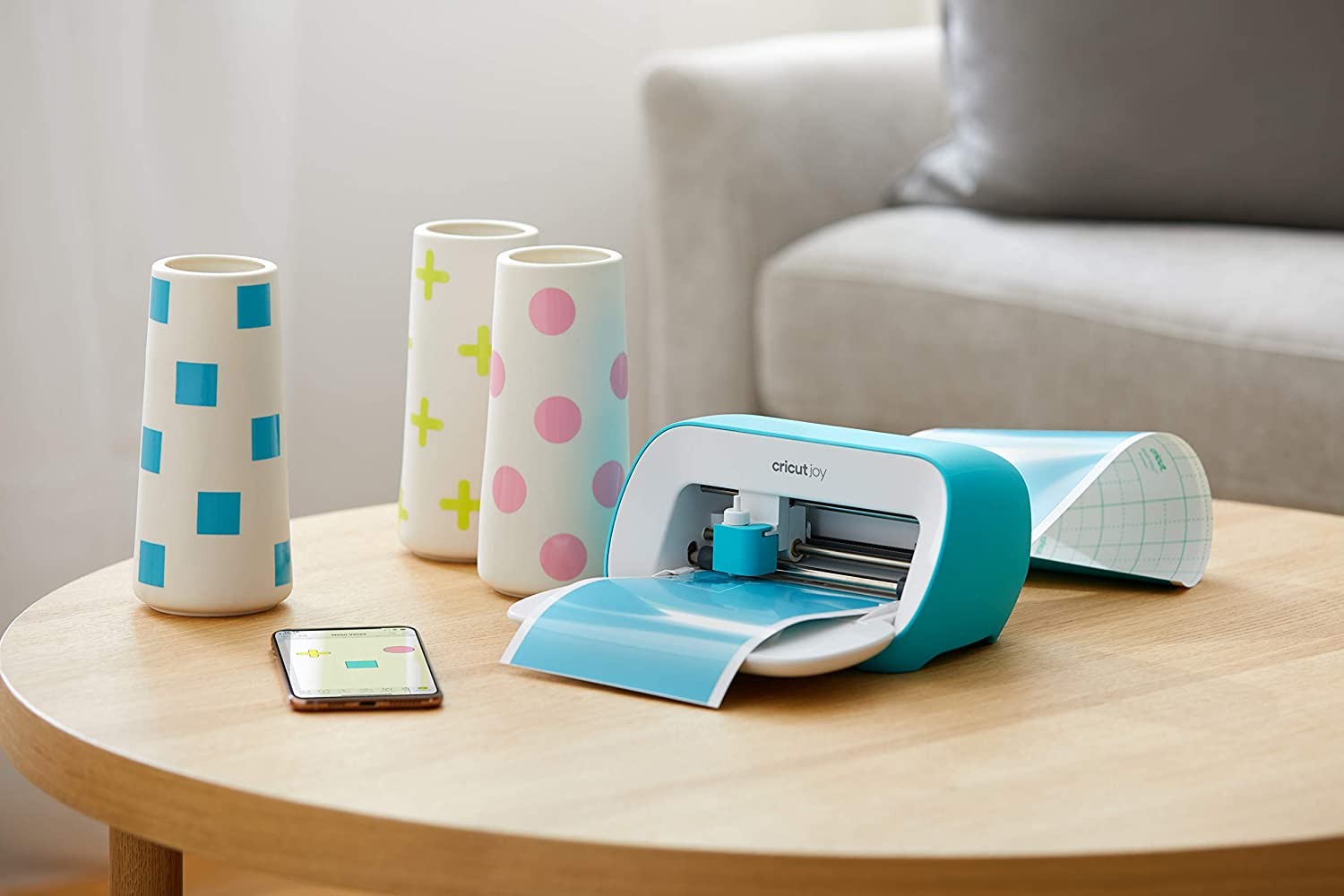
The Cricut Joy just came out and is a more compact version of the Cricut machine, which makes it perfect for quick, everyday DIY projects. It’s only able to cut materials that are 5.5 inches wide, but you can use a material that is up to 20 feet long. It can cut through 50 different materials and can use two tools for writing and cutting.
This machine is recommended if you’re wanting to spend less money and create simpler projects like small iron-on designs, cards, and vinyl signs.
Cricut Explore Air 2
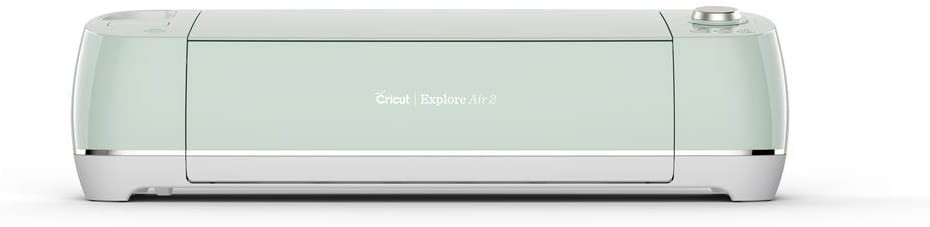
This is the Cricut Explore Air 2 machine. It is highly recommended for most craft projects because it’s Cricut’s most popular machine. With this machine, you can cut over 100 types of materials, such as chipboard, cardstock, paper, vinyl, you can also use four tools for scoring, writing, and cutting.
Cricut Maker
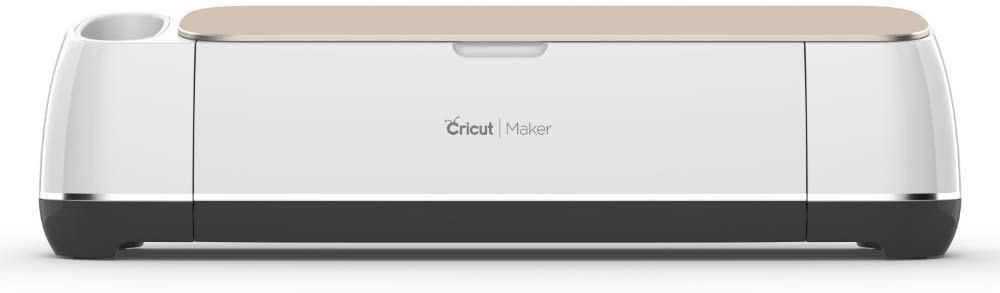
The Cricut Maker does everything that the Cricut Explore Air 2 does, while also being able to cut more delicate and thicker materials such as fabrics, leather, and thin woods. With this machine, you can cut through over 300 materials and can use over 12 tools for scoring, writing, cutting, and other pro-level effects.
This machine is recommended if you’re planning on working on complicated projects and want to work with a much larger range of materials.
Final Thoughts
How does a Cricut machine work? It works by using a cutting or scoring tool to help you cut out beautiful, crisp, and professional designs for all of your crafting needs. They are easy to use and very user-friendly.
Cricut machines are computerized cutters to help to make the crafting process quicker and more efficient. So, if you do lots of crafts that require intricate or crisp cutting, you should invest in a Cricut machine.
There are several things that you can do with a Cricut machine, and you can even make money by selling the crafts that you make. You don’t need much to get started with your Cricut machine; you could potentially get started using your Cricut right out of the box because it comes with everything that you need. If you find that you want to get additional accessories, there are plenty out on the market today.
Choosing which Cricut machine you want depends on the types of crafts that you want to make. If you’re only looking to make quick, everyday projects, you would be fine going with the Cricut Joy. But if you want to create more intricate projects with a wider range of materials, then you should opt for the Cricut Maker.