
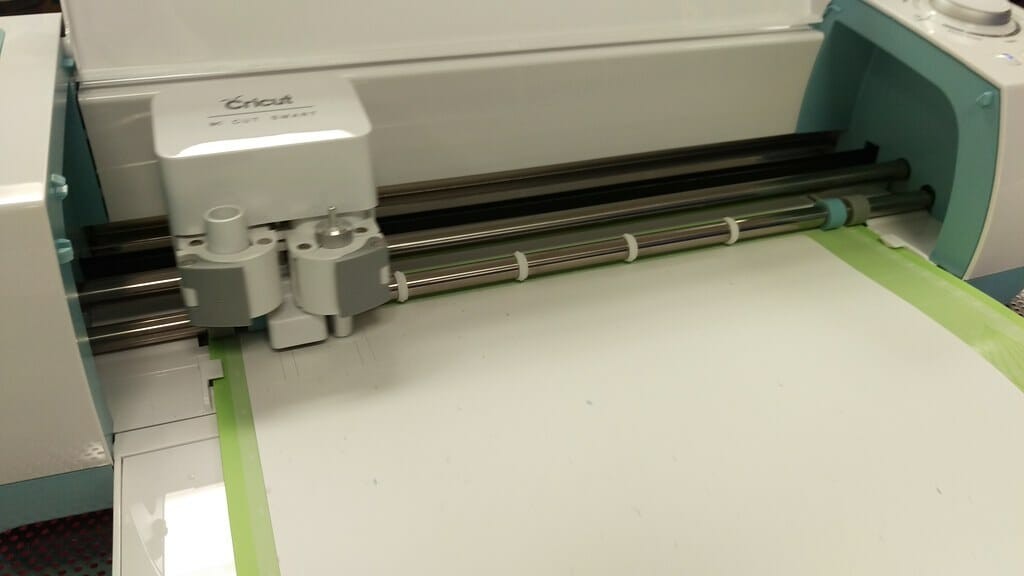
A Cricut can feel intimidating at first, but the basics are simpler than they look. Once you understand the workflow, design, send, cut, weed, and apply, you'll be making projects in no time. Here's everything a beginner needs to get started.
Step 1: Set up your machine
Plug in your Cricut, turn it on, and connect it to your computer or phone via USB or Bluetooth. Download Cricut Design Space, the free software that runs everything, and create a free account. The app will walk you through a guided first cut to confirm your machine is working.
Step 2: Learn Design Space
Design Space is where you build projects. You can use ready-made designs, upload your own images and SVGs, or add text in any installed font. Arrange your design on the on-screen mat, which represents your physical cutting mat, then click Make It when you're ready.
Step 3: Choose your material and blade
Tell the machine what you're cutting, vinyl, cardstock, iron-on, and it sets the correct blade pressure and depth. The Smart Set dial (on Explore machines) or the on-screen material menu handles this for you. Always match your blade to the material for clean cuts.
Step 4: Load the mat and cut
Stick your material onto the right mat, a green StandardGrip works for most projects, then load it by pressing the arrows. Press the flashing Go button and let the machine do its work. Don't unload until it tells you the cut is complete.
Step 5: Weed and apply
Weeding means removing the excess material around your design with a weeding tool or fine hook. For vinyl, use transfer tape to lift the design and place it on your surface. For iron-on, use heat to bond it to fabric.
Pro tip: Always do a test cut on a scrap piece before committing to expensive material. It confirms your settings are right and saves you from wasted sheets and frustration.
Building your skills
Start with a simple vinyl decal or iron-on design before tackling layered or intricate projects. Each cut teaches you a little more about pressure, weeding, and transfer technique. Soon the whole process will feel second nature.
That's the entire workflow. Master these five steps and you'll have the foundation to make almost anything your Cricut is capable of, from gifts to home decor to items you can sell.