
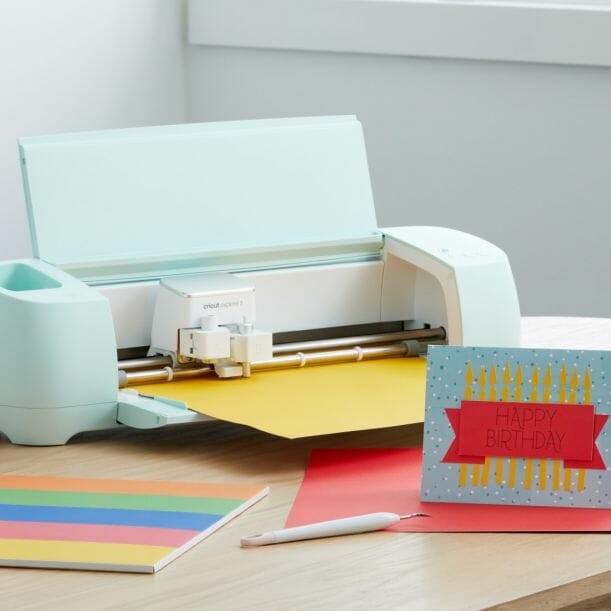
Cricut Explore 3: The Basics You Should Know
In this blog post we are going to go over the new Cricut Explore 3: the basics you should know. Cricut came out with two new products on June 10th, the Cricut Maker 3 and the Cricut Explore 3. Both machines have several really neat upgrades that we are diving into. You can find the blog post for the Cricut Maker 3 here.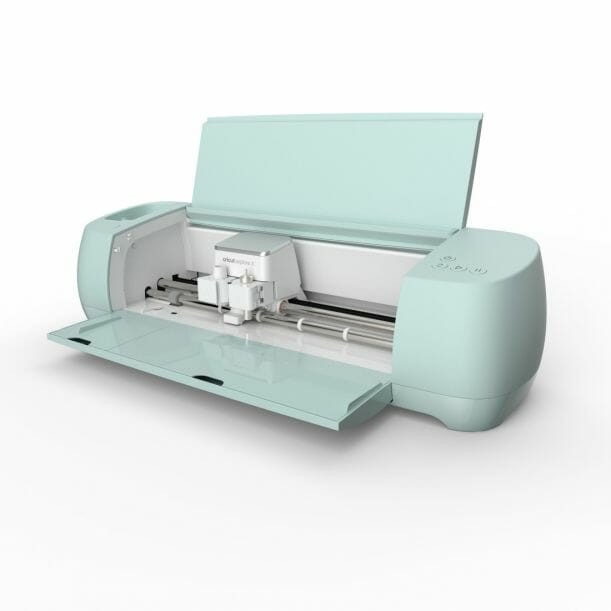 Before we go into this post, I just want to mention that I am only covering the very basic differences here to help anyone quickly decide on whether they want to upgrade or not.
Differences between Cricut Explore 3 and Cricut Explore Air 2:
- The new Cricut Explore 3 can cut materials without a mat. That is the biggest and most exciting news. You must use the new line of smart materials. Basically the smart materials are what allows you to cut without a mat. This includes
- The Cricut Explore 3 can cut up to 12 feet without a mat.
- The cut time on the new machine is almost twice as fast as the previous machine.
- The dial is gone, so the buttons are very similar to the Cricut Maker. When you are in Cricut Design Space it is going to ask you to choose a material. So you no longer have to choose that on the dial.
- The buttons have changed slightly as well, but the main difference is the “C” button has been replaced with a play button.
- The tool holder is larger!
- Cutting guides and sensors have been added to help the matless process.
- There is a dock on the trop of the machine where you can place you phone. This is such a convenience for any folks who use their smart phone for these projects.
- Fine point blade – which the machine comes with.
- Deep point blade
- Foil tool
- Bonded fabric blade